This tutorial shows you how to use Brokerkits new Jobs feature to post a job on LinkedIn and manage applicants directly within Brokerkit.
Go to www.linkedin.com
1. Navigate to Jobs Page
To start, go to your Linkedin account and click the Jobs tab.
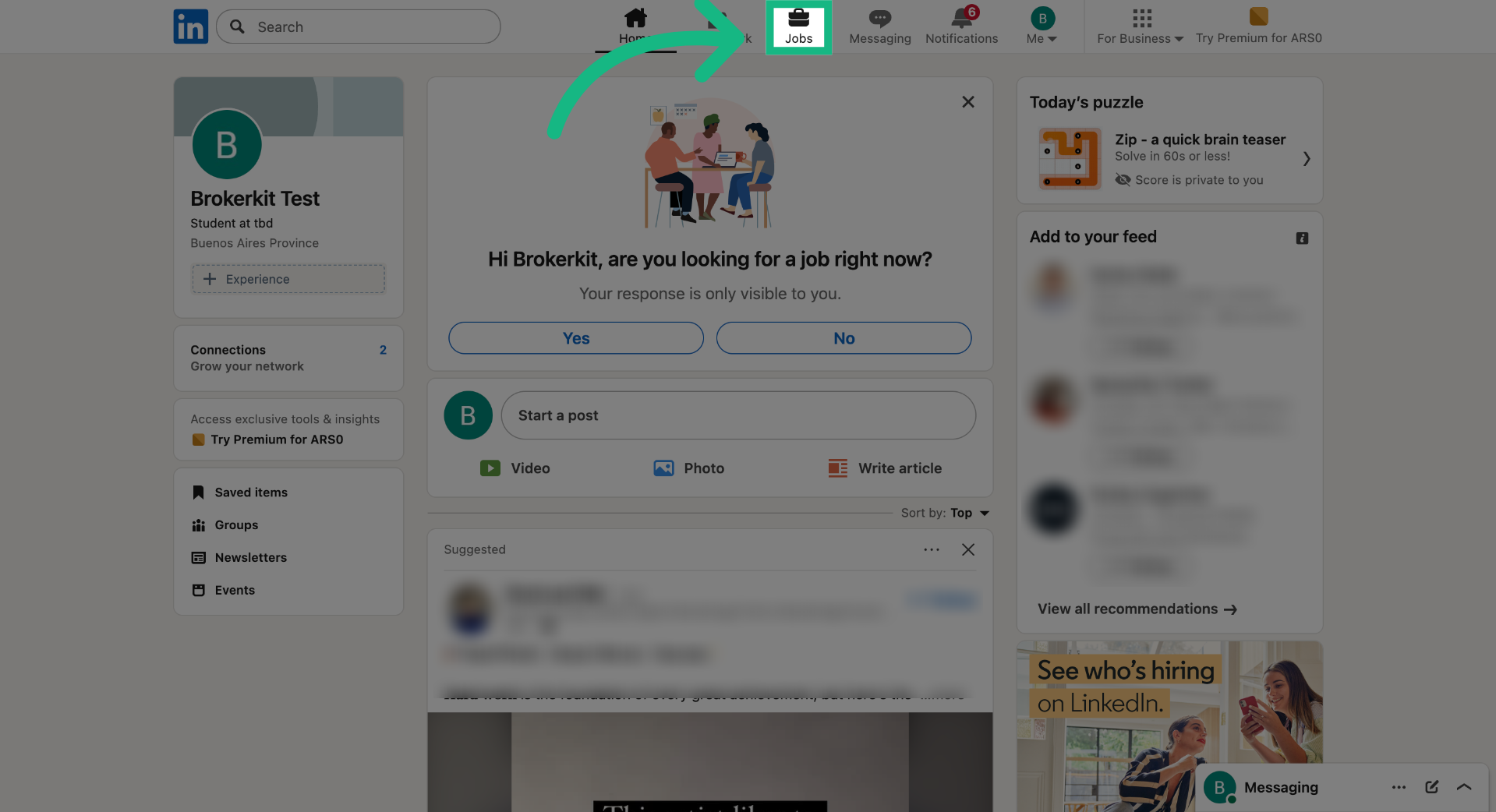
2. Start Free Job Posting
Click the Post a free job button to begin creating a new job listing on LinkedIn.
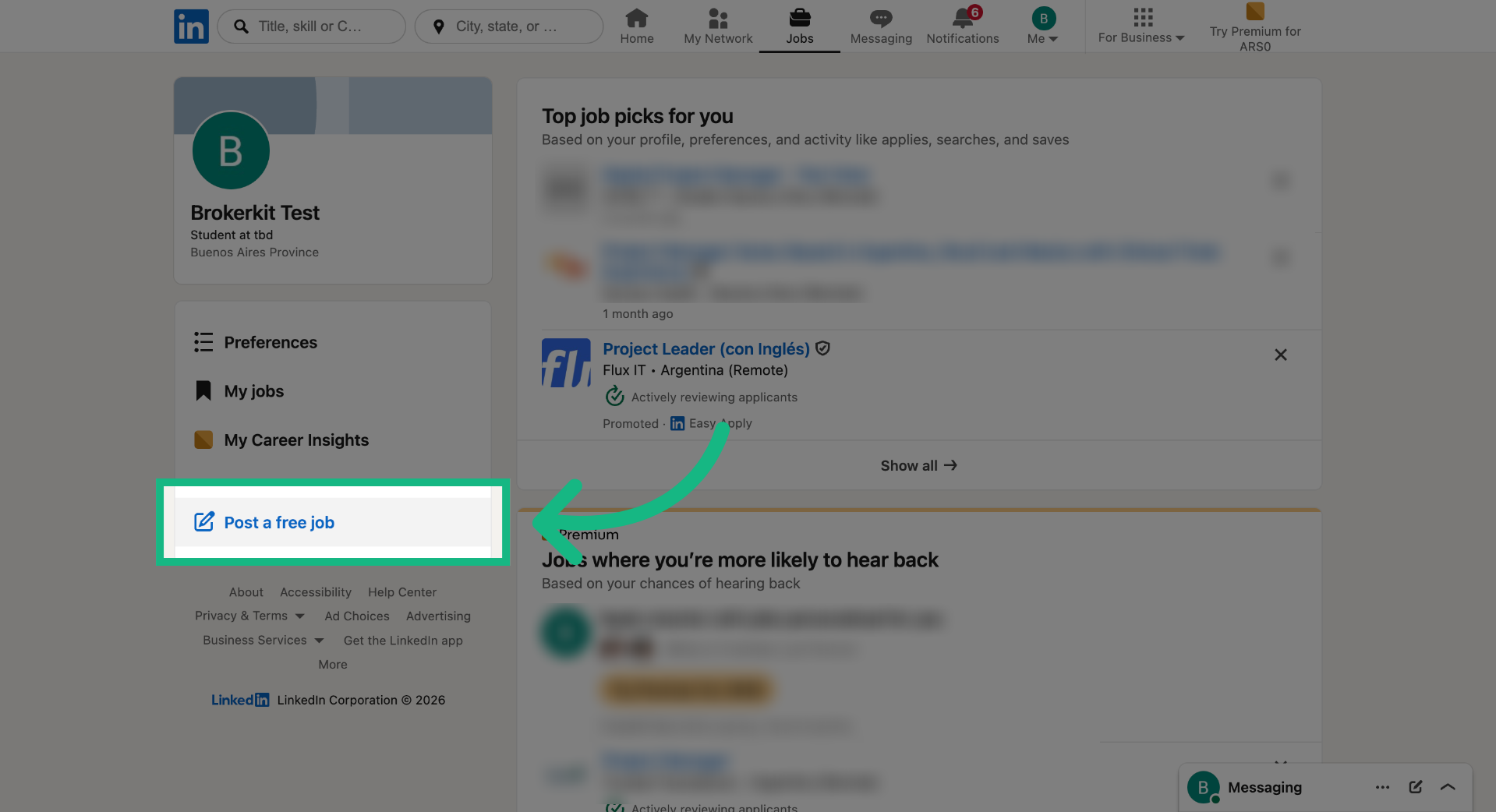
3. Proceed to Next Step
Complete the details and click the Continue button.
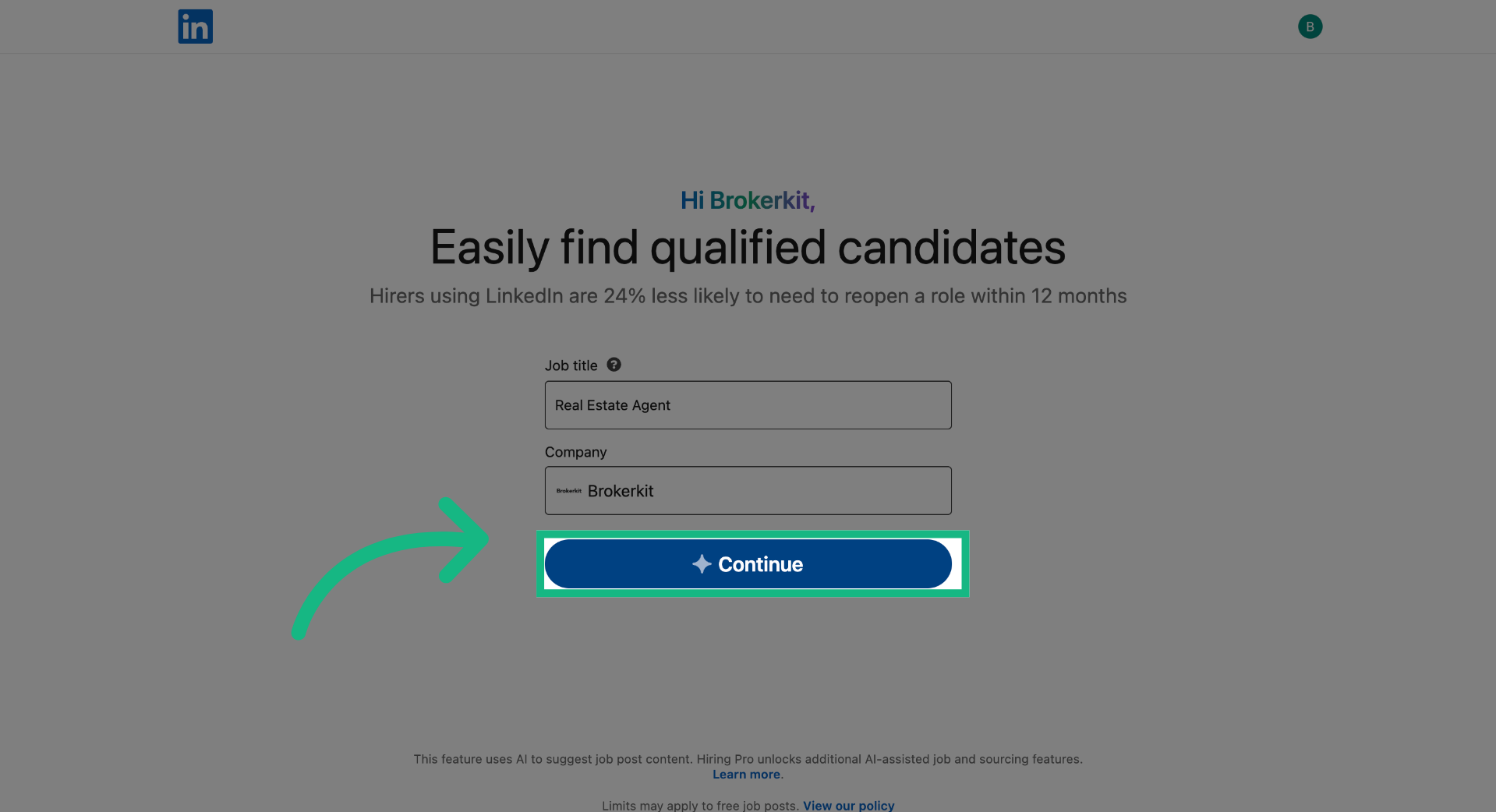
4. Select Location Option
Continue completing the required details, then click Continue.
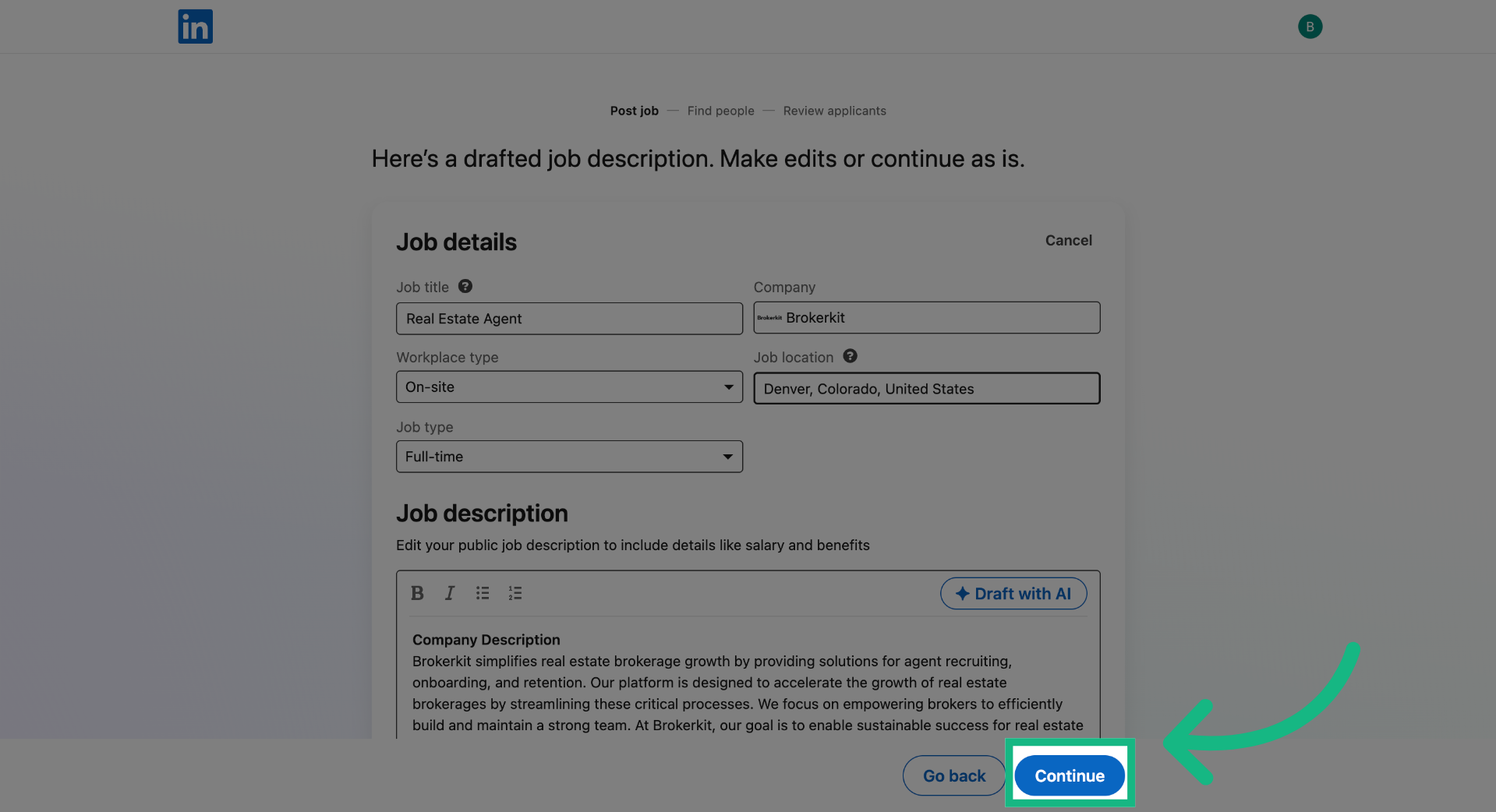
5. Access Additional Options
Click the edit button area to update the Manage applicants setting.
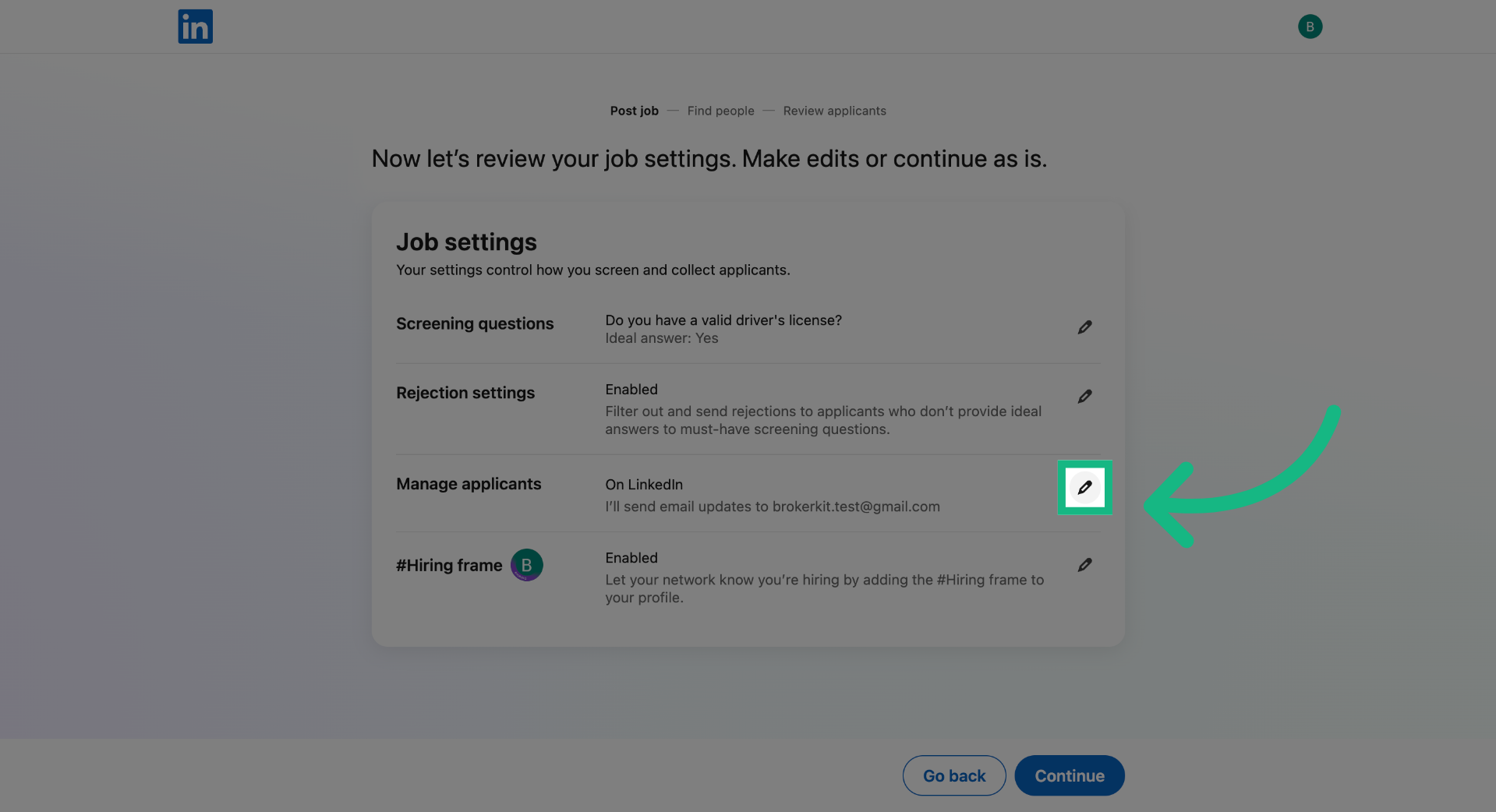
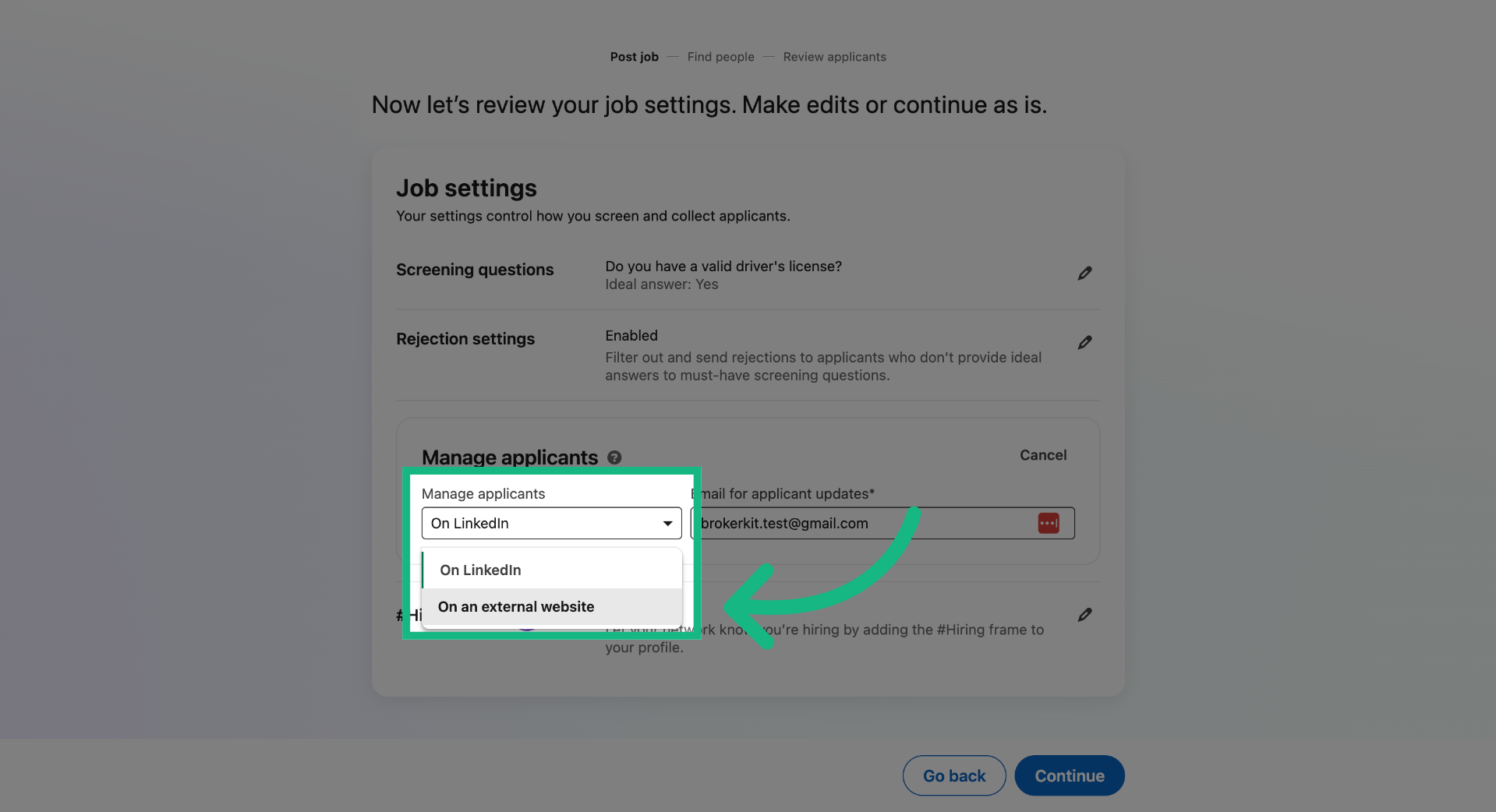
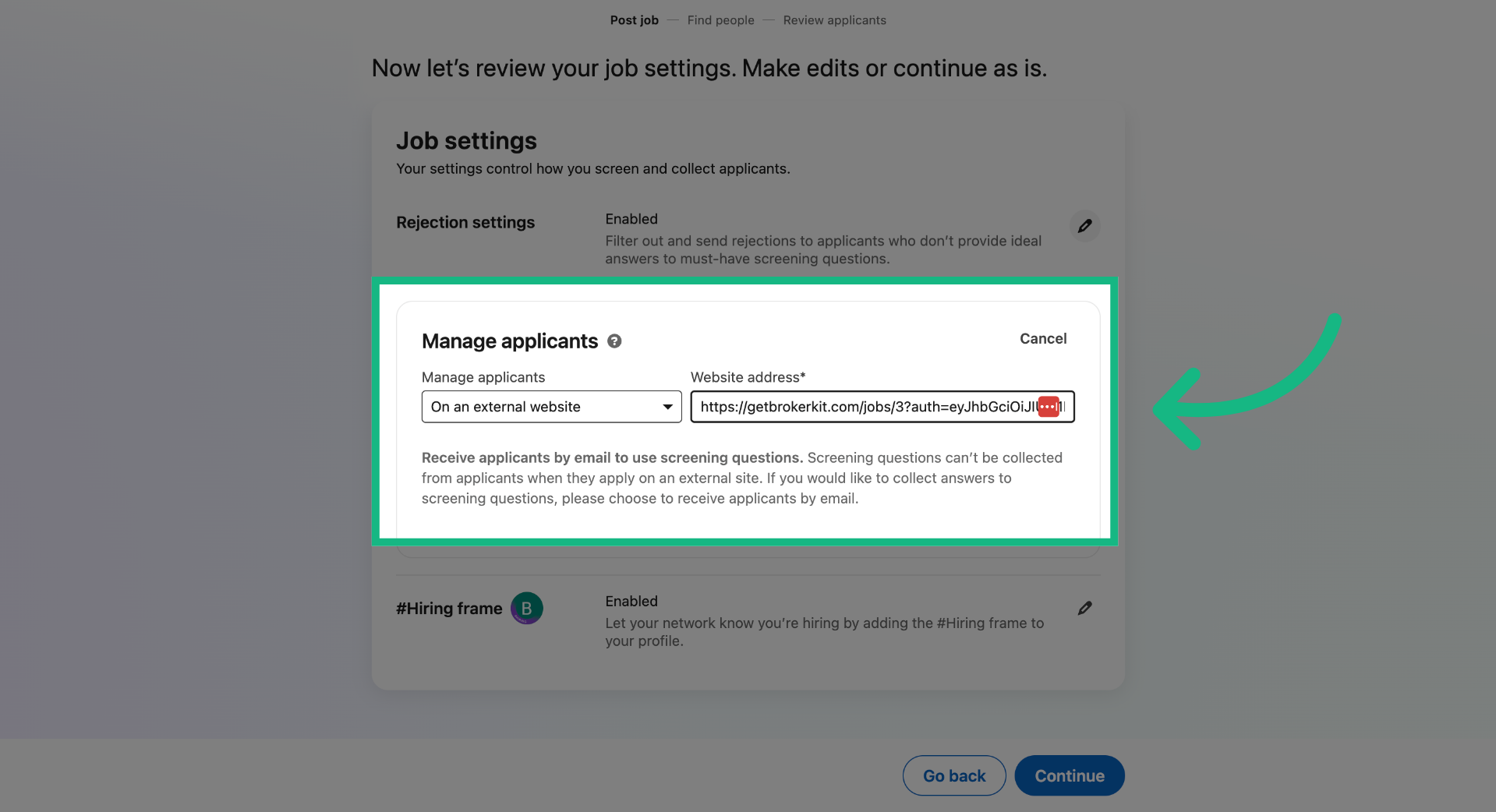
6. Choose External Website Posting
Select the option On an external website to post the job on a site outside LinkedIn.
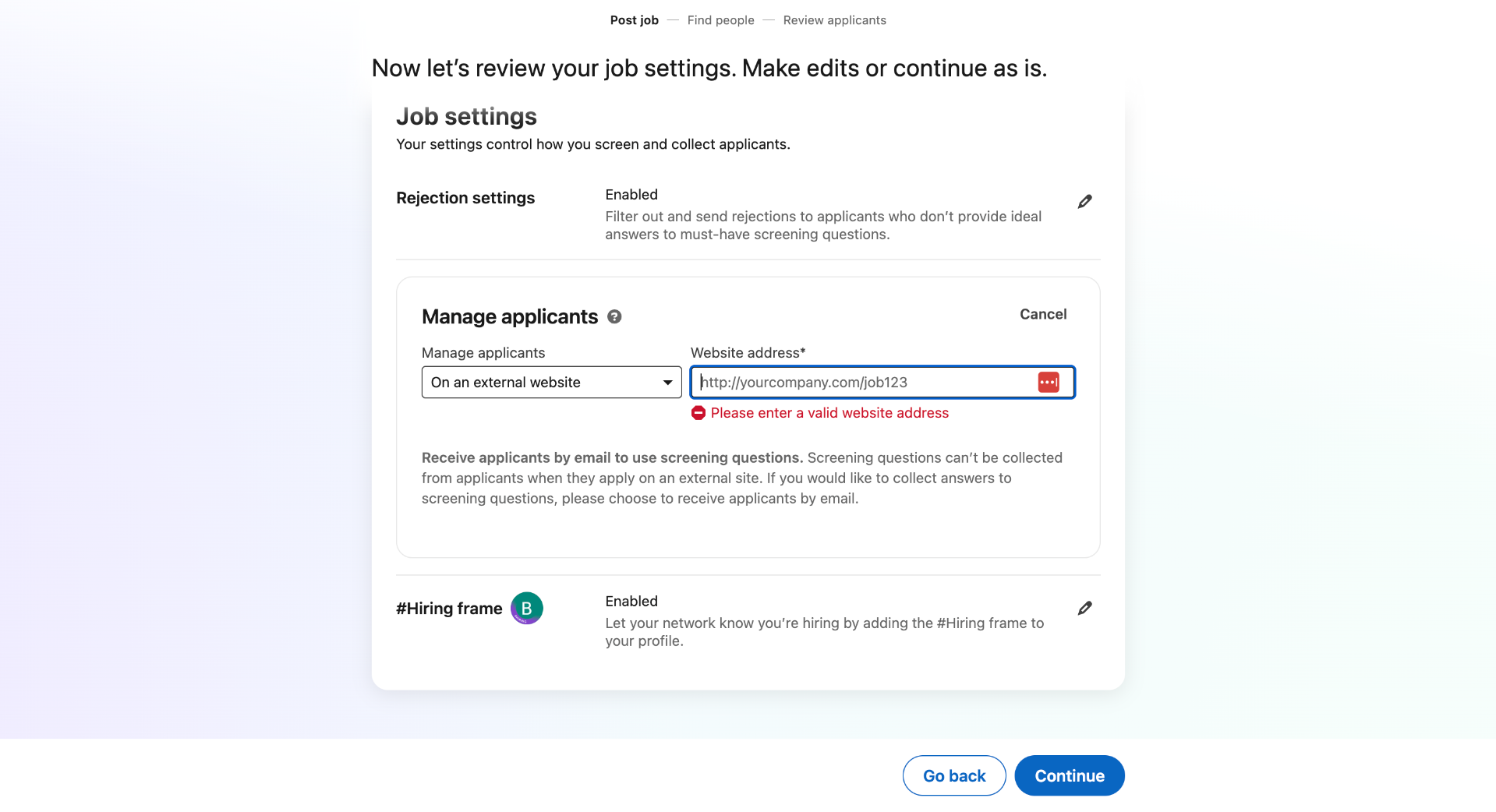
7. Open Website Address Field
Now let's find the link in Brokerkit.
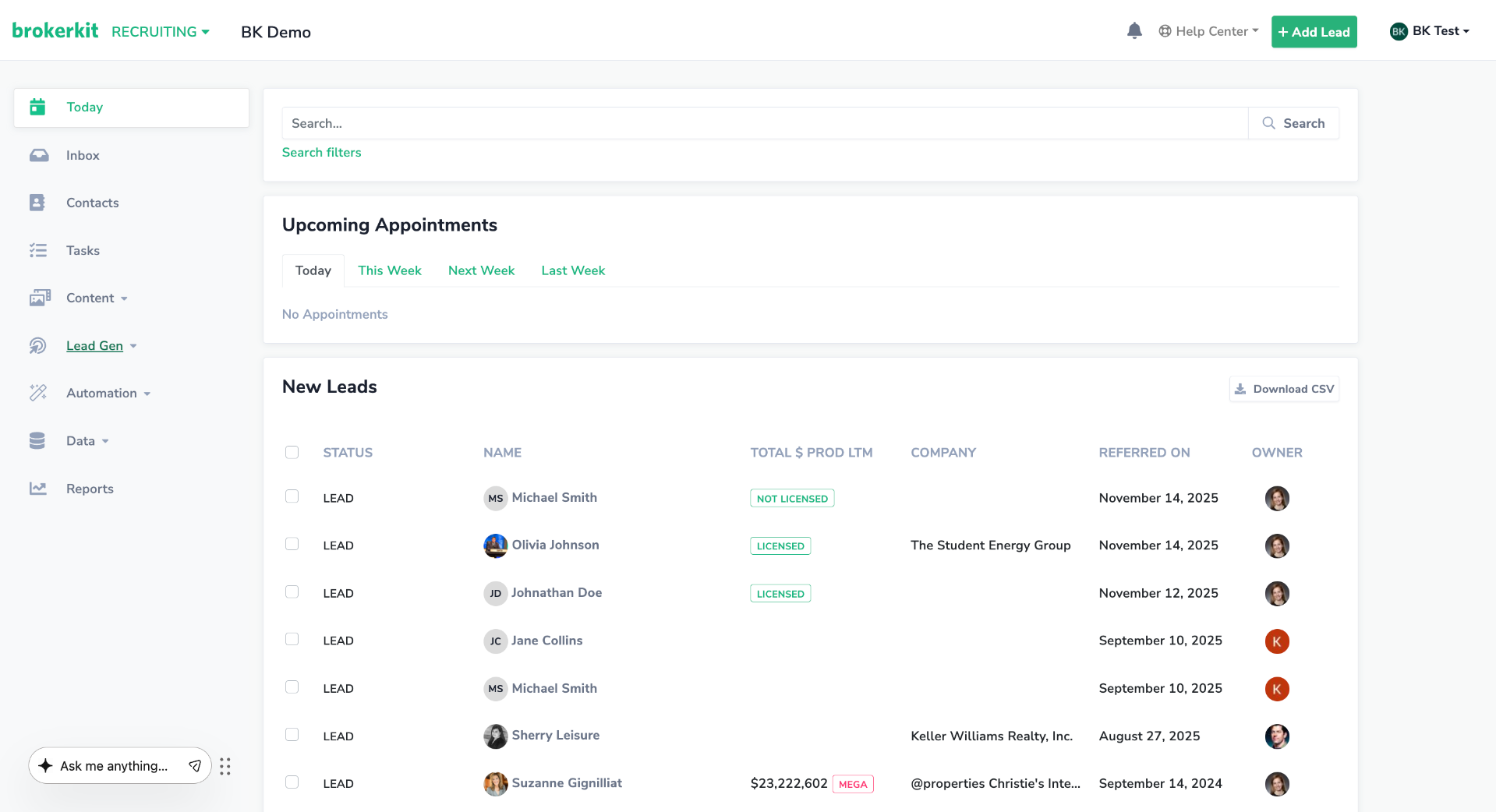
8. Switch to Brokerkit Website
Switch to the Brokerkit website to access Brokerkits jobs feature.
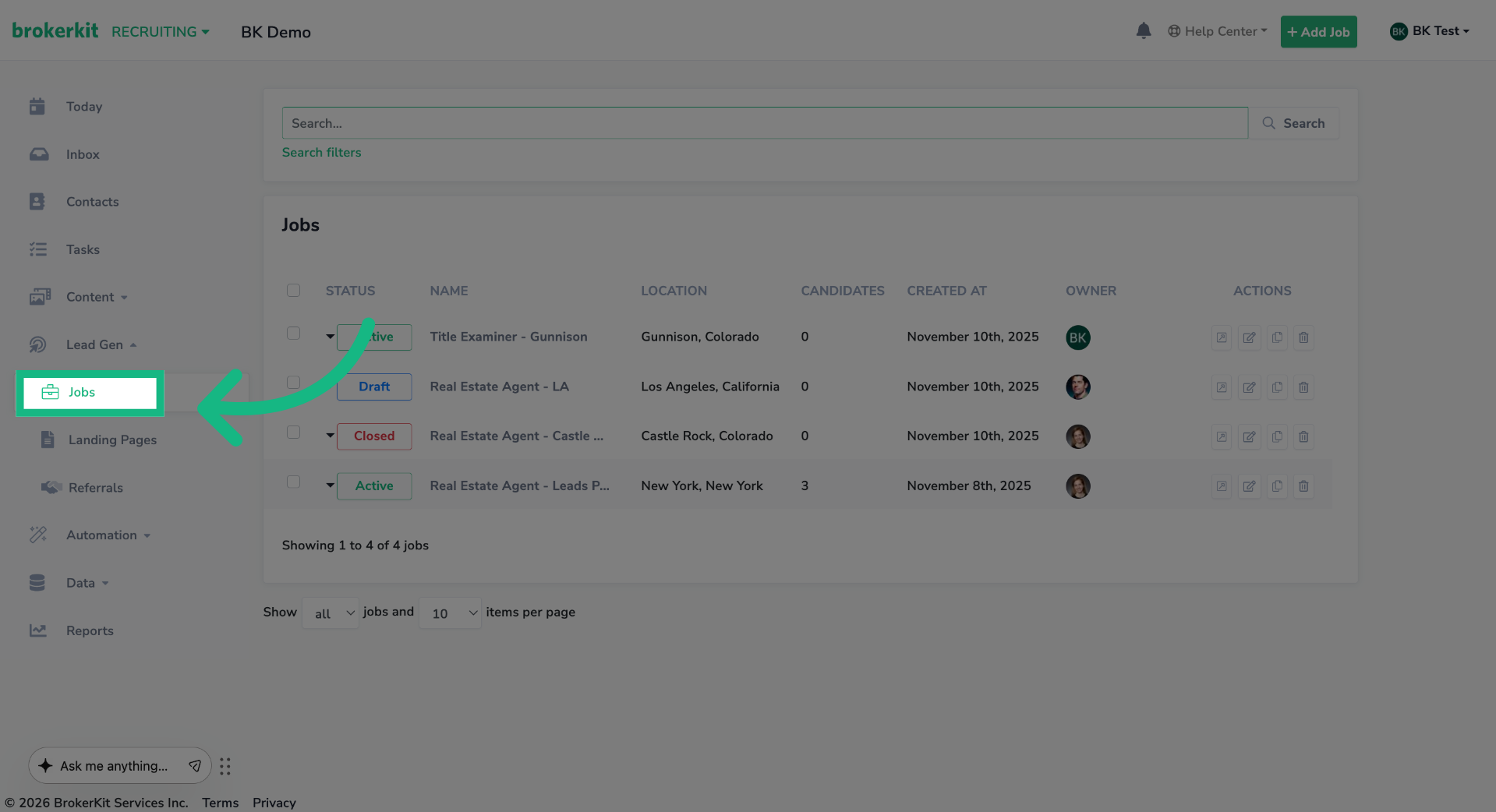
9. Access Job Listings
On the left menu, click Jobs.
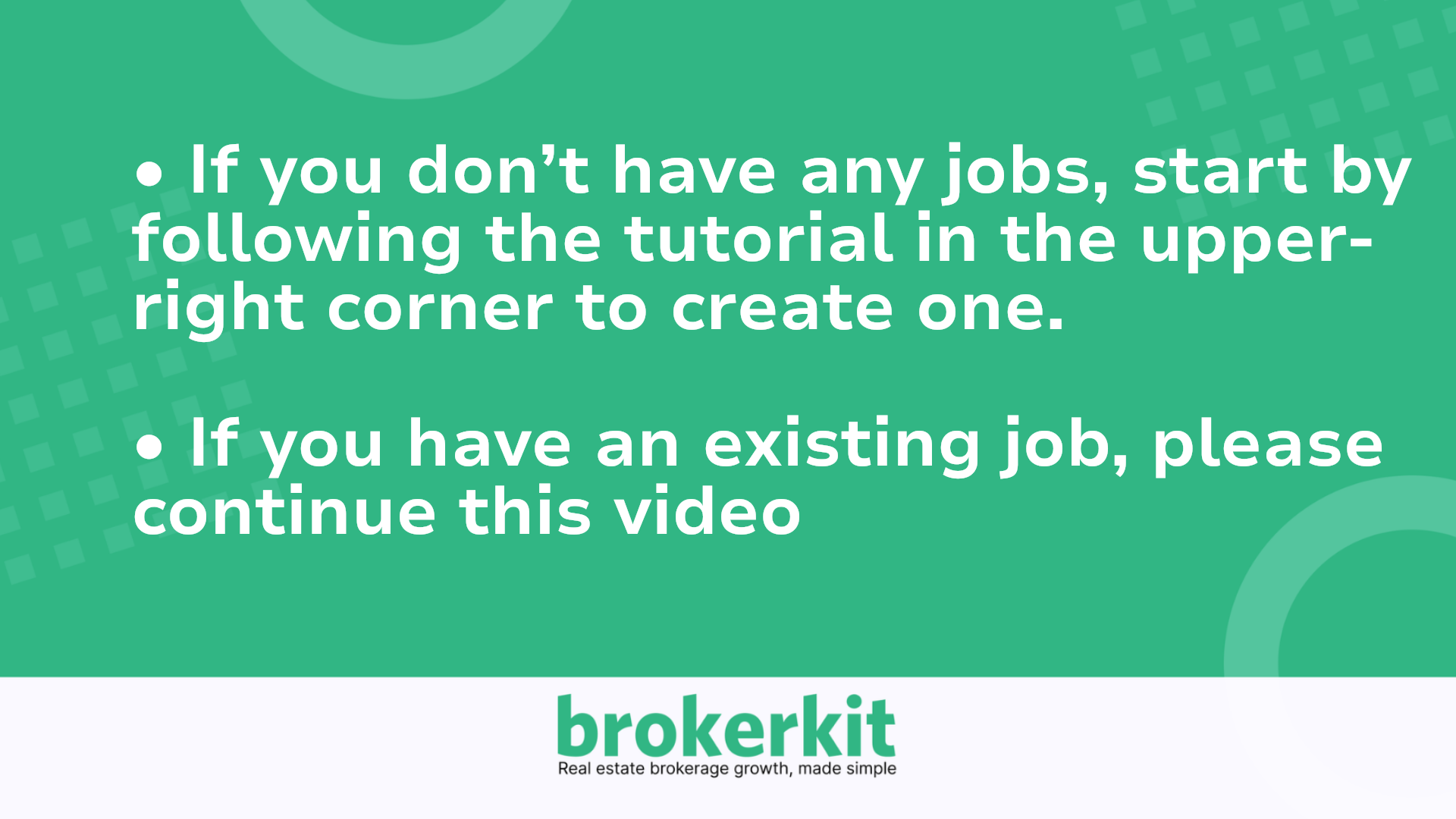
10. Job Form
If you don't have any jobs, start by following the tutorial in the upper-right corner to create one. However, if you have an existing job, please continue this video
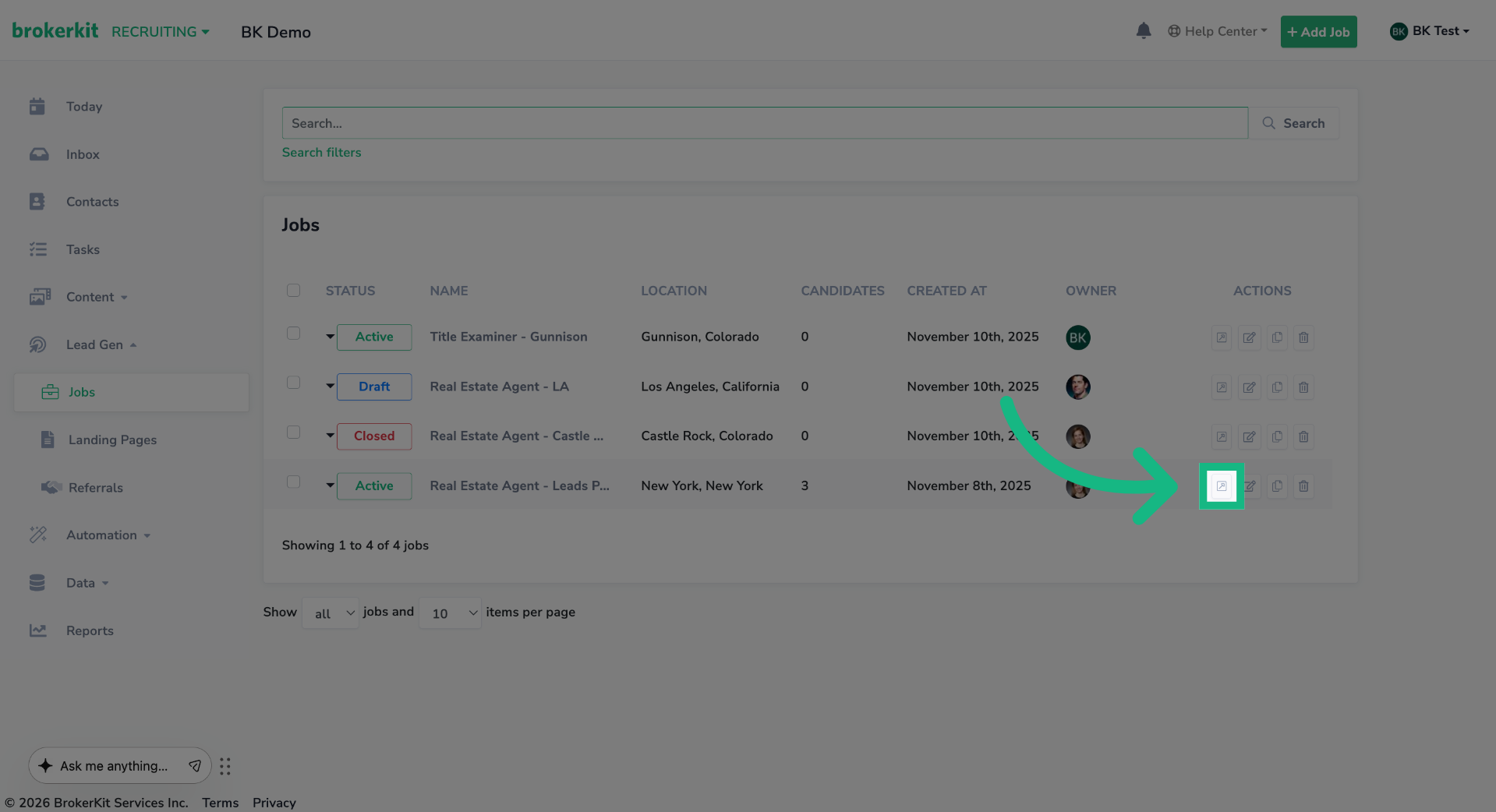
11. Access Job Listings
Click the edit button of the job you want to use.
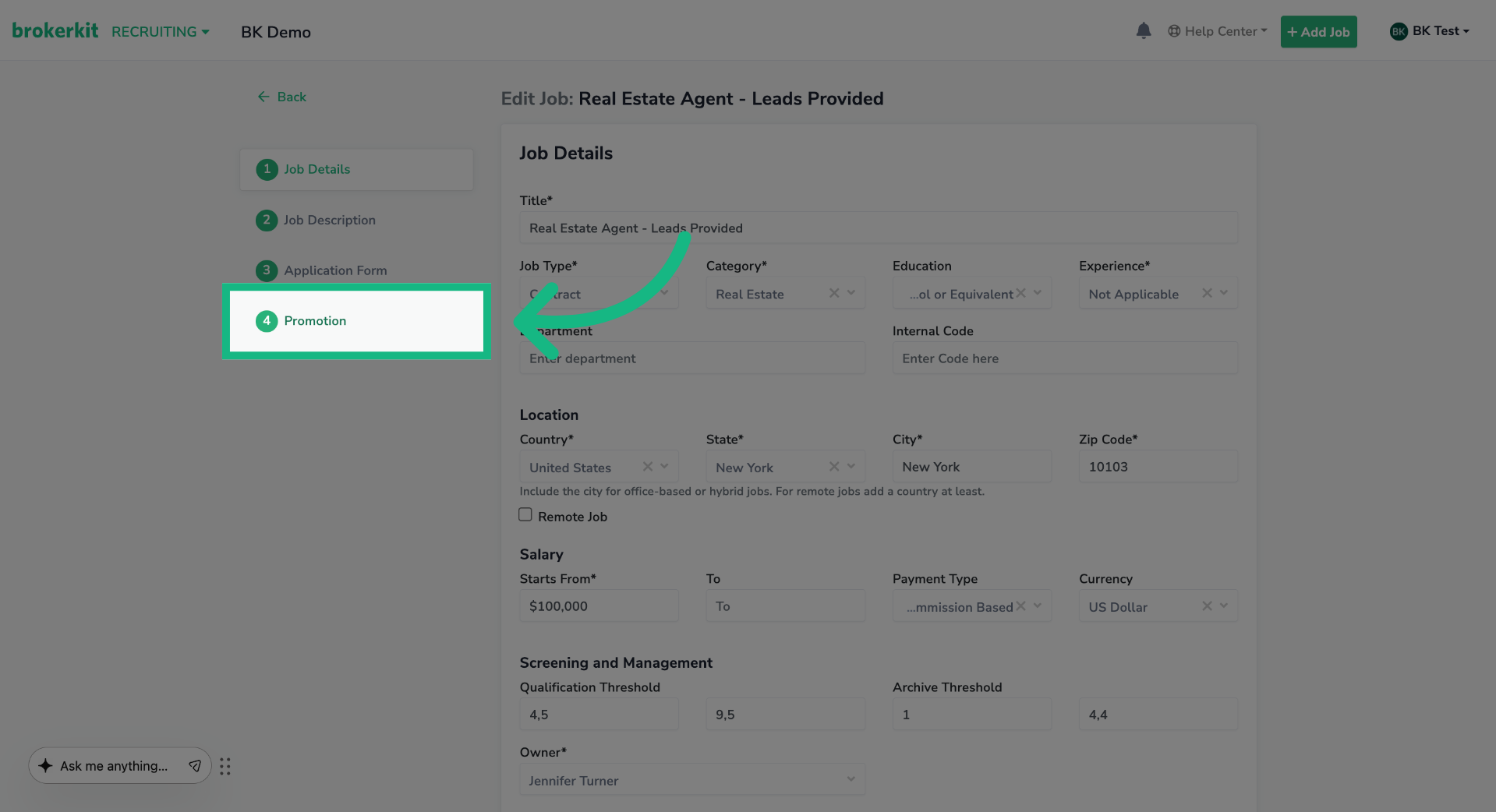
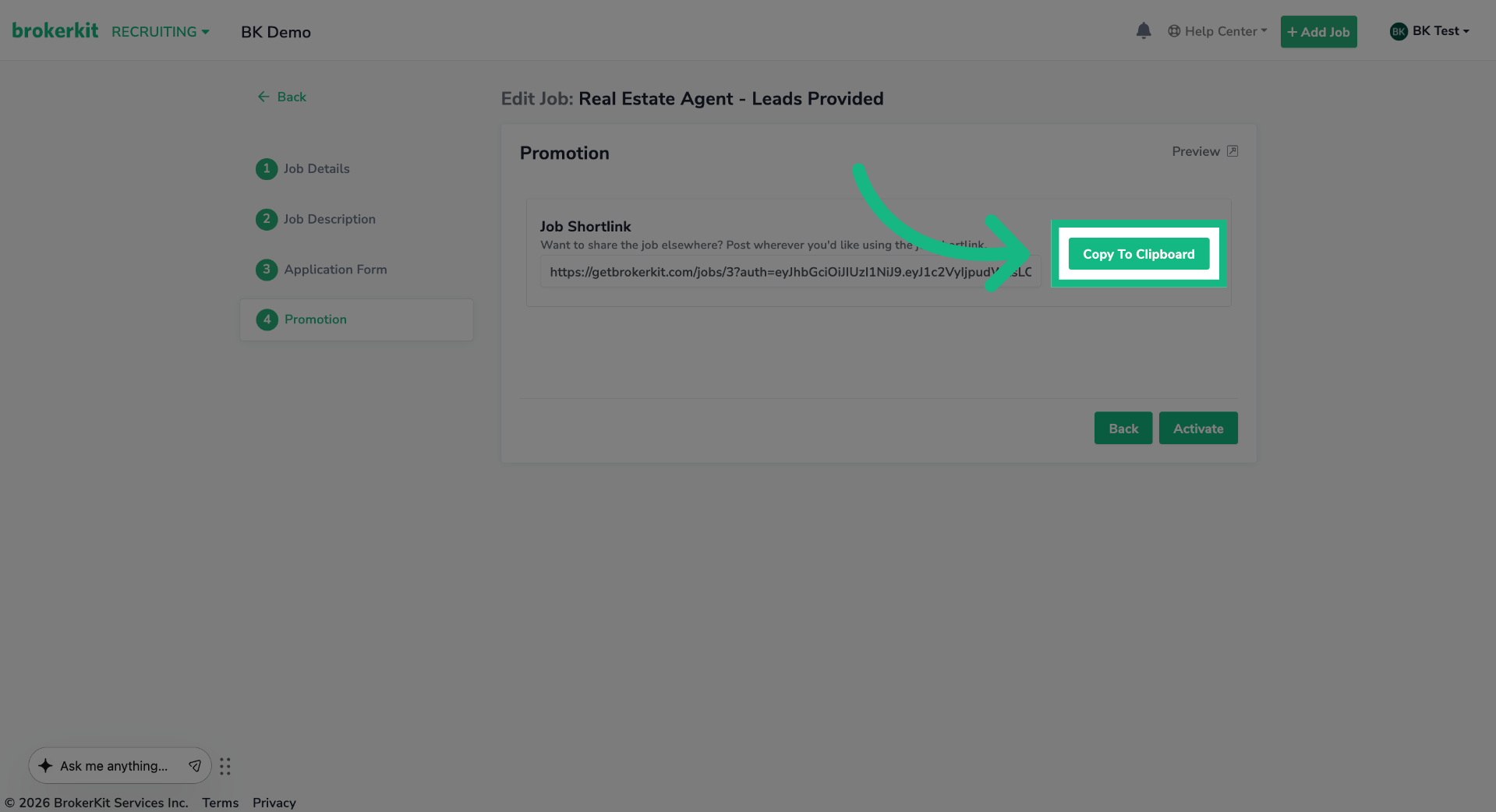
12. Select Promotion Campaign
On the left menu, click the Promotion option.
13. Copy Promotion Link
Click Copy To Clipboard to copy the promotion link to use on LinkedIn.
14. Paste the link
Return to the linkedin page and paste the promotion link.
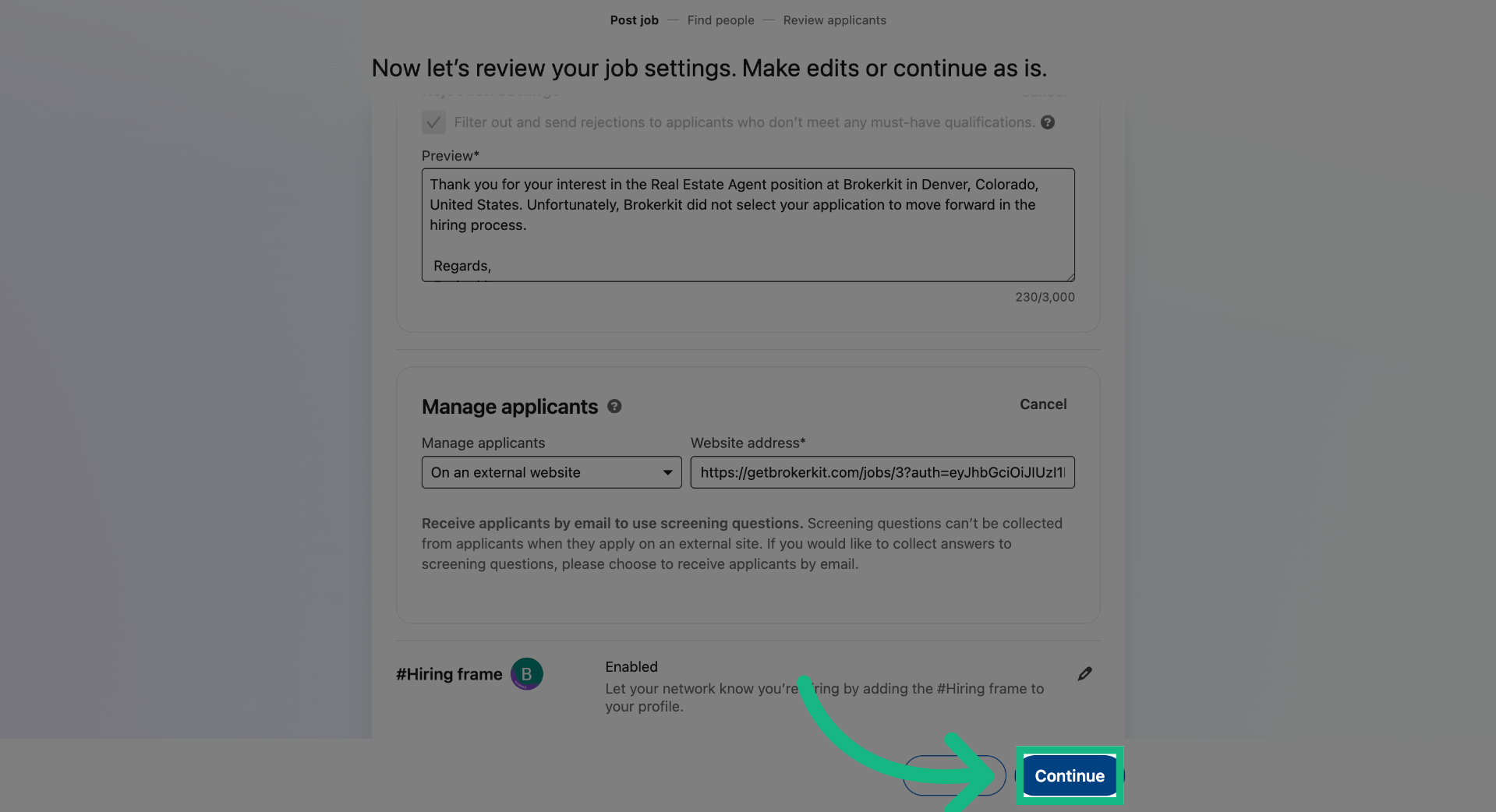
15. Continue Posting Process
Click Continue to move forward in the job posting workflow.
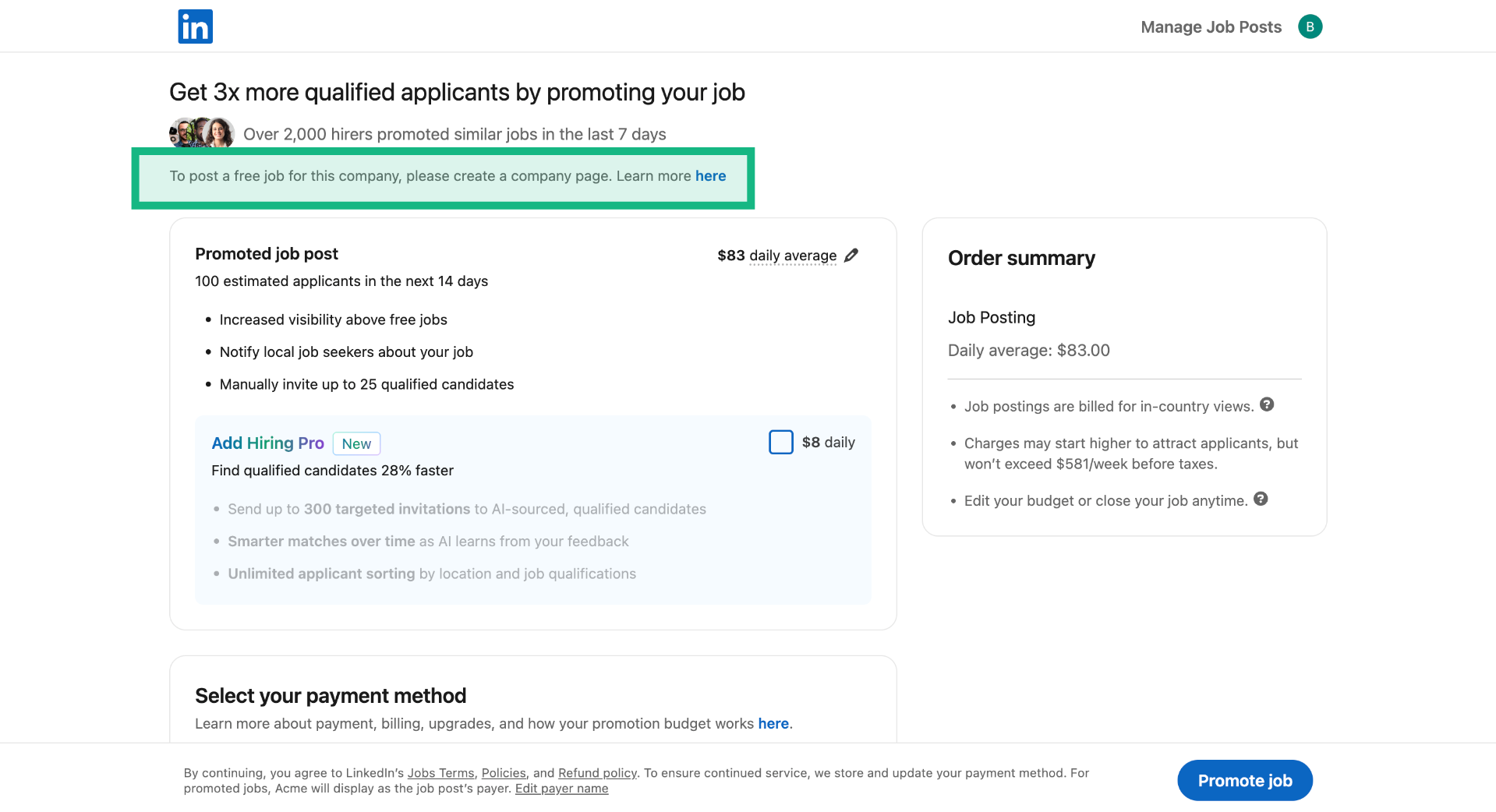
16. Choose Promotion Campaign
Choose a budget to promote the job, or post it organically. Remember, to post a job for free, you must first create a company page.
That concludes this tutorial. If you have any questions, please reach out to our support team at support@brokerkit.com.
Strategy & best practices for posting on LinkedIn
Posting on LinkedIn is just step one. Here are the strategies that actually drive applicant volume:
Plan to pay to boost your post. LinkedIn's algorithm classifies real estate agent (and other commission-only sales) roles as low-quality because they are commission-only and contract-based. Organic (free) posts will return very few applicants. You almost always need to pay to boost commission-only sales roles — this is true across all industries, not just real estate. LinkedIn will try to upsell you on paid boosting during the posting flow; plan to use it.
Refresh your post approximately every 30 days. LinkedIn is designed for full-time, hire-and-done roles; brokerages are always recruiting. You'll see a burst of applicants in the first 1–2 weeks, then volume drops. Stale posts get deprioritized. When you refresh, vary the content (headline, message, job target, office location) so LinkedIn's duplicate-detection algorithm doesn't suppress the new post. (Free posting on LinkedIn requires a Company Page — create one first if you haven't.)
Set up an automated follow-up campaign. In Brokerkit, go to Campaigns → Library and search for "jobs" to find a starter template for following up with job posting candidates. Customize it with your collateral (videos, documents, lead gen info) and add a Calendly/Cal.com scheduling link so applicants can book a call. For fully automated triggering, create a Campaign Trigger with source = "Job Posting".
Call applicants quickly. Speed to lead matters. The longer you wait, the lower your conversion. Applicants who uploaded a resume are hand-raisers — they want a conversation.
For the full promotion strategy (marketing hooks by candidate tier, BrokerBoost add-on with paid ads across 100+ boards + AI screening, AI resume scoring 1–10, social media outreach), see: Promoting Your Job Postings to Get More Applicants